 Savela
Aa
Cards, not bookmarks
Cooking time and servings for a recipe. Cuisine, city and a map link for a restaurant. Year and director for a film. Fix anything Savela got wrong in a tap.
Share a recipe, a restaurant or a film to Savela. It becomes a tidy card in the right folder.
Free to start. No ads, no tracking.
No folders to set up, no tags to remember. Savela does the tidying for you.
Tap Share in Instagram, TikTok, Safari or any app, and pick Savela. A screenshot or a pasted link works too.
It works out what you saved: a recipe, a place, a film, a book, an event, a gift idea. Then it makes a card with the details that matter.
Everything lands in the right folder. Search by a word you half remember, or just by what you meant.
Savela knows the difference between a recipe and a restaurant, so each card shows what you need from it.
Cooking time and servings for a recipe. Cuisine, city and a map link for a restaurant. Year and director for a film. Fix anything Savela got wrong in a tap.
See every saved café, view and gallery nearby, then open directions.
Add a saved concert or exhibition to your calendar and get a reminder before it starts.
Typos are fine. Try “that cosy pasta place in Rome” and Savela finds it.
Plan a trip together, or share a gift wishlist where friends can quietly reserve a present.
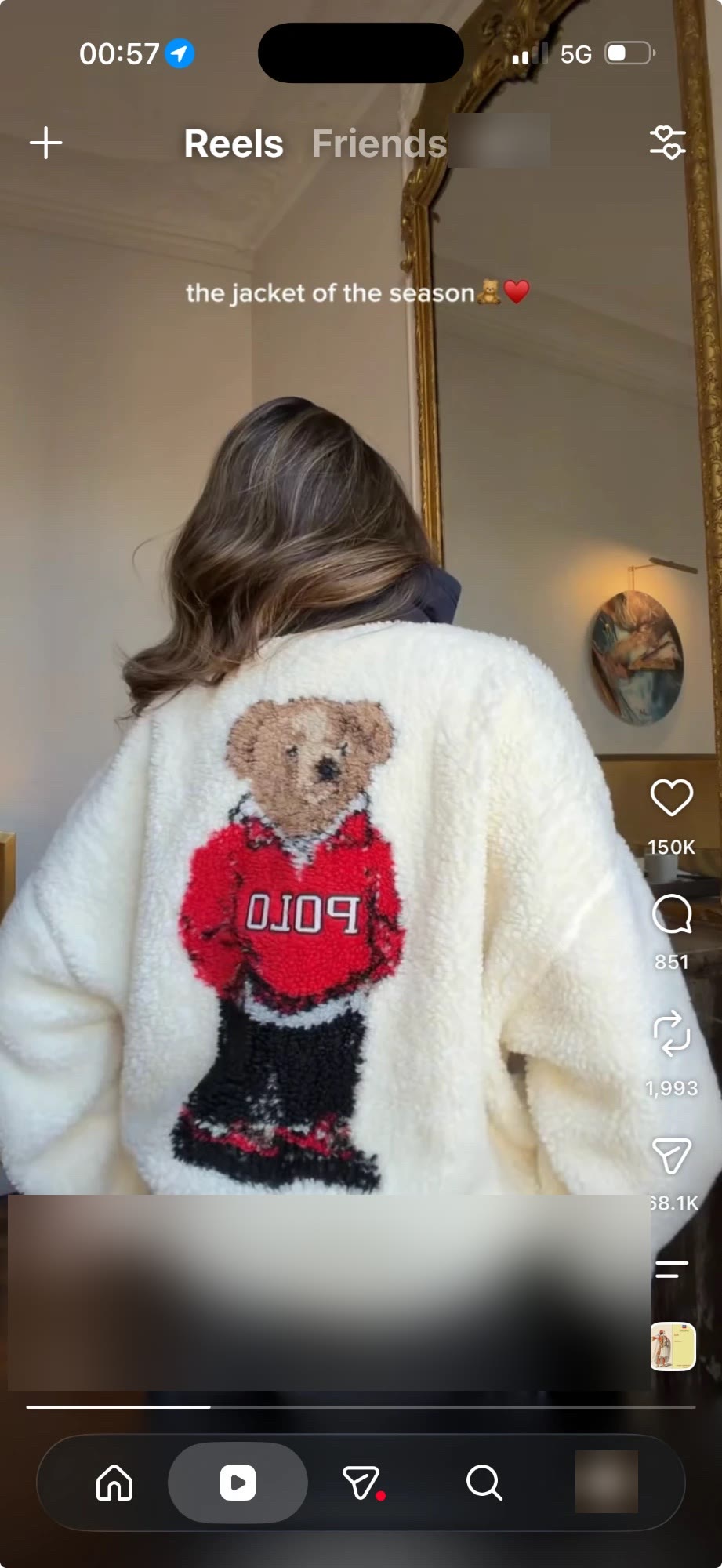
Spot something you love in a reel, a shop or a friend’s story. Share it to Savela and it’s on your Wishlist. Share the list, and friends quietly reserve what they’ll give.
Savela is a quiet personal library, not a social feed. Here is what that means in practice.
The details are in our Privacy Policy.
Every feature is in the free plan. Pro is for people who save a lot.
Prices will be announced at launch. Savela Pro will be an auto-renewing subscription bought through the App Store. See our Terms of Use.
Savela is an iPhone app for the things you find online and want to come back to: recipes, restaurants, places, films, books, events and gift ideas. Share a link or a screenshot to Savela and it becomes a tidy card in the right folder, with the details that matter, like cooking time for a recipe or a map link for a restaurant.
Any app with a Share button, including Instagram, TikTok and Safari. You can also paste a link or add a screenshot right in Savela.
Yes. Every feature is in the free plan, with a monthly allowance of new finds. Savela Pro is an optional App Store subscription with many more new finds every month. Prices will be announced at launch.
Savela is coming soon to the App Store for iPhone. There is no Android version at the moment.
Savela uses an AI service to read what you save and fill in the card. It asks for your permission first, and you can switch AI processing off at any time in Settings → Account & Data. Your finds stay saved, but no new cards will be made.
Only you. Your library is private by default, and you choose what to share and with whom. Savela has no ads and no tracking, and you can delete any find, or your whole account, right in the app.
More help is on our Support page.
Savela is on its way to the App Store. Questions in the meantime? We'd love to hear from you.